
WiFi iSyncr Tutorial
1
Download iSyncr Android App from
Google Play or the Amazon Appstore.
2
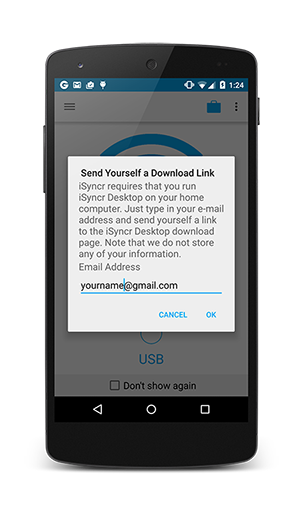
Download and install iSyncr Desktop on your PC or Mac. Once installed, you will not see a normal application window but iSyncr will create an S icon on your system tray or menu bar.
3 Configure your PC or Mac firewall to allow iSyncr Desktop to connect with iSyncr.
Mac Firewall GuidePC Firewall Guide
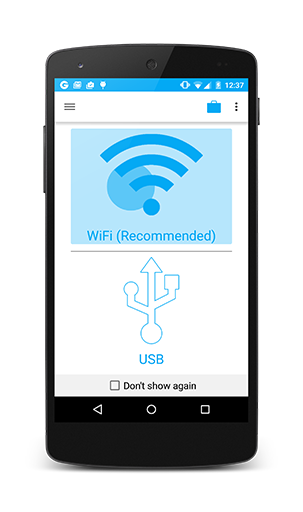 4On Android, select WiFi.

5
Select Your iSyncr Desktop. Make sure that iSyncr Desktop is running on your computer and that it's allowed through your PC's Firewall or your Mac's Firewall.

6
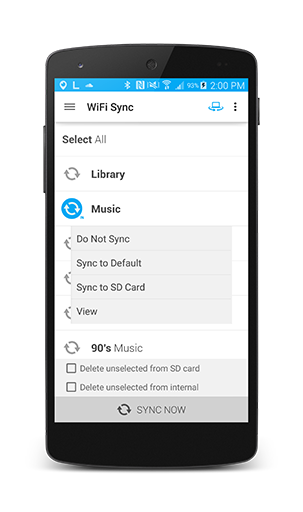
Select Playlists and press sync to start syncing iTunes to Android. Syncing a playlist will sync the playlist file and song(s) within the playlist(s) in iTunes.
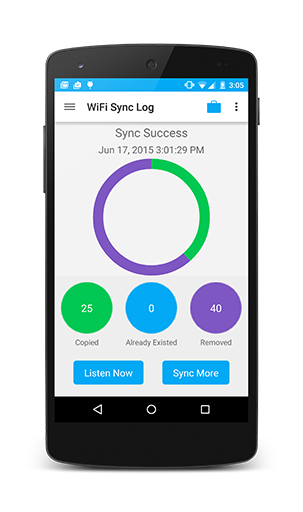
7
View Results
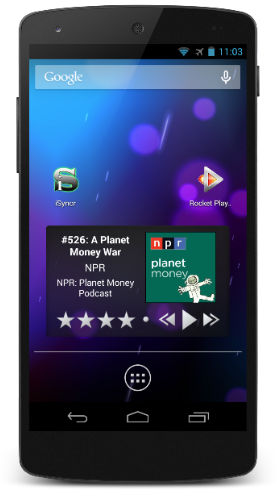
8
Use Any Music Player! After the sync has finished, play your music player. We recommend Rocket Music Player for advanced iTunes/music player integration!
Stuck somewhere the tutorial?
iSyncr is also able to sync over USB if you're stuck syncing over WiFi.To resolve WiFi issues contact us and mention what step you're stuck at (6,7,8 etc.) so we can help.