
Put iTunes on Android in Three Steps
Sync Your Music (3 steps)
Moving to Android, but still have an extensive iTunes library? Not to worry, sync your iTunes to Android with iSyncr. iSyncr allows anyone with a computer and Android device to sync their iTunes to Android over a USB or WiFi connection. iSyncr makes the switch to Android easy.


Why? Because You Have The Best Taste In Music
iSyncr lets you put all of YOUR music on your device. No ads or commercials, just your music, with any music player – any way you like it. Keep all of your important information in sync including ratings, play counts, lyrics, album art, and more!
Sync Your Stats
Sync Everything! iSyncr lets you keep everything in harmony by syncing Album Art, Playlists, Live Lists, Playcounts, and Ratings
WiFi or USB
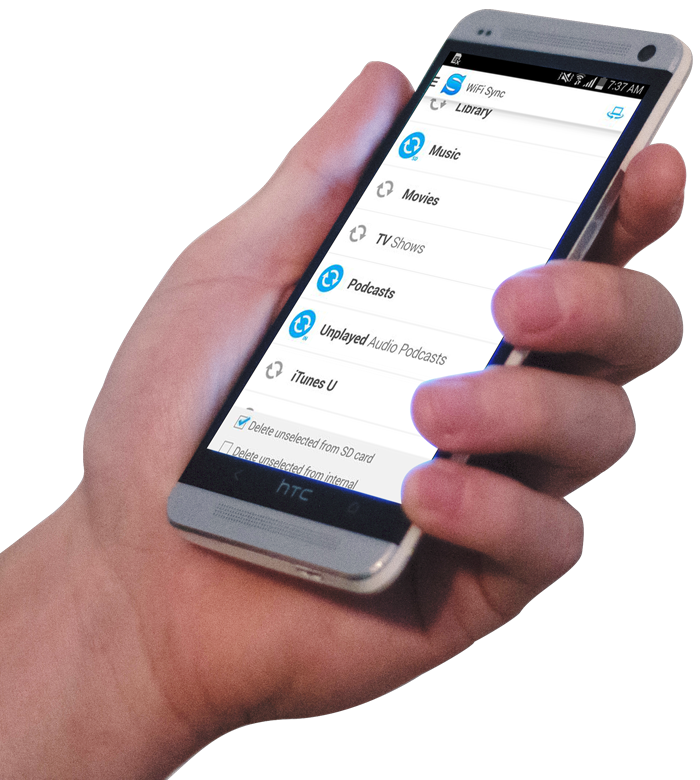
iSyncr puts the power in your hands. Sync over WiFi or USB, whichever is more convenient for you. Have music on multiple computers? No problem, iSyncr lets you sync from any computer with iSyncr Desktop running. Stay up to date with iSyncr's auto sync feature.


Thanks for your interest in iSyncr, now go and get it from the Play Store!
About | Blog | Support | Privacy Policy | Sitemap
Copyright © 2021 JRT Studio LLC | iSyncr is a trademark of JRT Studio LLC | Android is a trademark of Google Inc. Use of this trademark is subject to Google Permissions | iTunes is a trademark of Apple Inc., registered in the U.S. and other countries.